Educational overview only. Prudent Guardian (www.inspirecodingedu.com) is not an insurance company, broker, law firm, or registered investment adviser, and does not provide personalized insurance, investment, tax, medical, or legal advice. Verify details with licensed professionals and official issuers.
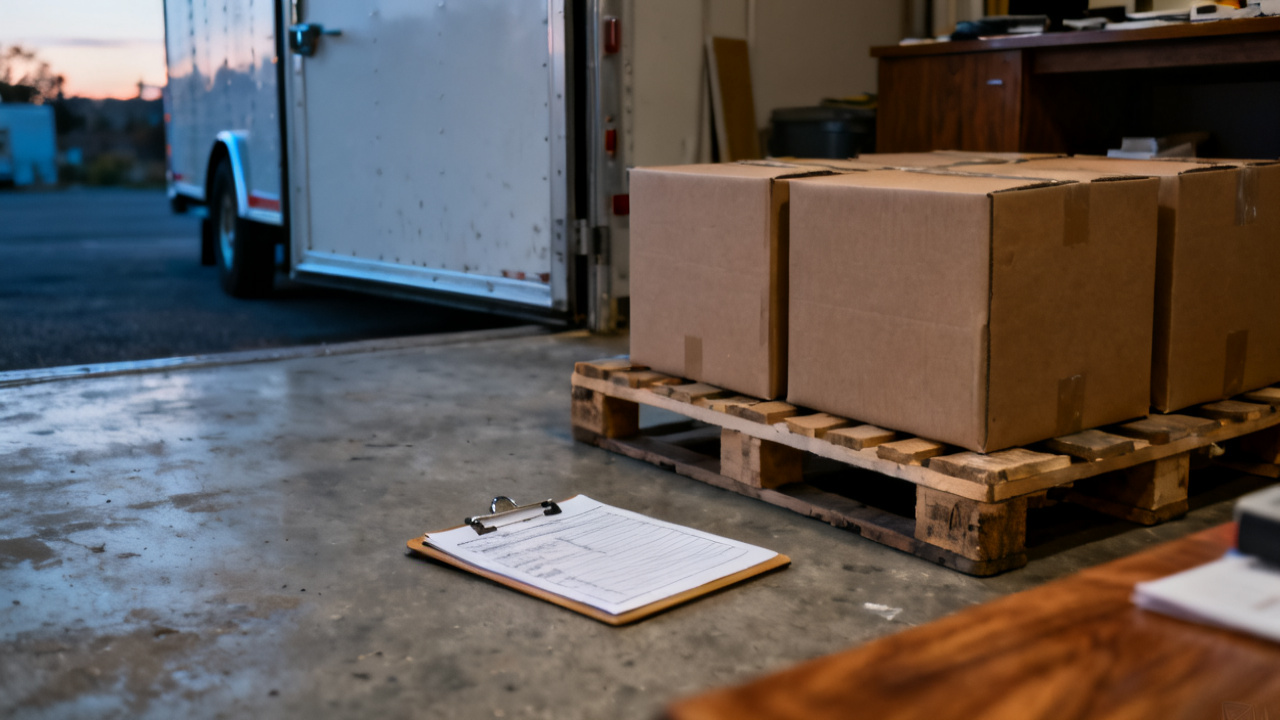
A number of pieces is printed. You have not started counting yet. The pallet jack rests at your feet, the bill fluttering slightly in the dock fan’s steady breeze. You can see the delivery driver leaning against their cab bumper, scrolling through their phone, waiting for you to sign off before they pull away. You’d been rushing through the last three drop-offs to hit your shift end time, but you pause now, because a mismatched piece count can cause weeks of headaches for both your team and the shipper.
Cross-reference the line item breakdown with the face-of-bill total
You don’t have to step into the trailer to catch obvious count errors before you invest time in a full tally. The printed total on the top of the bill is supposed to equal the sum of all individual line items listed below it, but data entry mistakes at the shipper’s warehouse can throw that total off before the truck even leaves their lot. Illustrative example: The face of the bill lists 42 total pieces, but when you add the line items below — 12 cases of replacement filters, 18 boxes of safety goggles, 9 crates of machine parts — the sum only adds up to 39. That discrepancy tells you there’s either an error in the line item count or the total printed on the top of the document before you even move the first pallet. You can flag that gap immediately, ask the driver to radio their dispatch to confirm which number is correct, and avoid wasting 20 minutes counting every item in the trailer only to find the error was a typo all along. This quick check takes less than 60 seconds, and it cuts down on unnecessary back-and-forth later when you’re reconciling receiving records with purchase orders.
Flag handwritten adjustments to the printed count immediately
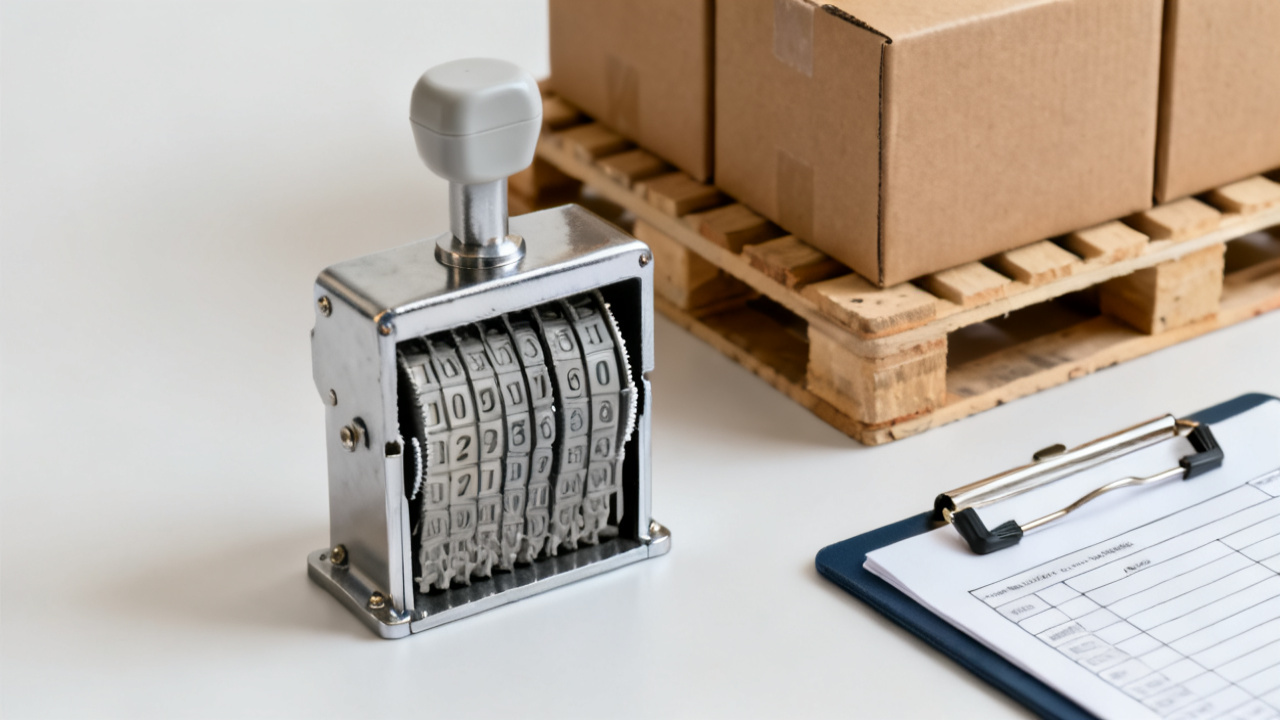
If you see a scribbled number crossed out next to the printed total, or a new number written in the margin with no context, treat that adjustment as unconfirmed until you have proof it was authorized. You have no way of knowing if that change was made by a shipper employee who removed a damaged item before loading, a previous dock worker who miscounted a different stop, or the driver themselves who altered the number mid-route to cover a missing piece. Any change to the printed piece count needs a corresponding signature and short note explaining the adjustment, like “1 case damaged in loading, removed from shipment” next to the revised number, to be considered valid. If you don’t see that supporting context, you can ask the driver to call the shipper to verify if the handwritten change was authorized before you proceed with counting, so you don’t end up holding responsibility for a change you didn’t approve. You never want to sign off on a count you can’t confirm matches what’s actually on the trailer, even if the driver insists the handwritten number is the correct one.
Document variance between counted and printed numbers right away
Once you finish counting every piece on the trailer, you’ll have a clear number to compare to the printed total on the face of the bill. Any difference, no matter how small, needs to be noted clearly on the document before you sign, even if the driver says it’s not a big deal. Even a single missing case can throw off inventory levels for weeks, or lead to the accounts payable team paying for goods your team never received. Use dark, non-erasable ink for all notes so they can’t be altered after the driver leaves the property, and stick to short, specific details that leave no room for interpretation later.
| Variance type | Where to note it on the bill | Required supporting detail |
|---|---|---|
| Count is lower than printed | Next to the printed total line | Exact number of missing pieces, plus note if any empty pallets or partial packaging was found on the trailer |
| Count is higher than printed | In the margin next to the line item list | Breakdown of what extra pieces you found, including SKUs if they are marked on the packaging |
| Count matches printed exactly | Next to the signature line | Note “piece count verified as printed” next to your signature to confirm you completed the full count |
You don’t need to write a novel, just enough detail that anyone pulling the bill later can see exactly what you found when you received the shipment, no guesswork required. If you have a few extra seconds, you can snap a quick photo of the counted pieces lined up on the dock to attach to your digital records, just to have visual proof of the count if anyone questions it later.
Confirm any count adjustments with the driver before signature
Once you’ve noted the variance on the bill, you need to show it to the driver and have them add their own signature next to your note to acknowledge they saw the same count you did. This step creates a clear record that both parties agreed on the count at the time of delivery, so there’s no he-said-she-said later if the shipper reaches out asking about missing or extra pieces. If the driver pushes back on the count you found, you can offer to recount the pieces together, walking through the trailer pallet by pallet to make sure you didn’t miss anything tucked behind a stack of crates or under a loose tarp. This step keeps you from being on the hook for missing pieces that might have fallen off the trailer during transit, or extra pieces that were loaded by mistake at the shipper’s warehouse. If you log receiving records digitally, you can attach those photos directly to the shipment entry in Dock Tally for easy reference later, no digging through crumpled paper files stored in the back office required.
Pull this bill up when you reconcile receiving logs three days from now
When you sit down at the end of the week to match all incoming shipments to active purchase orders, you’ll open this exact bill again to cross-check the count you noted against the inventory that’s already been put away on the warehouse shelves. The notes you wrote today next to the printed piece count will make that process far faster, because you won’t have to try to remember what you found when you unloaded this shipment three days prior. If you noted one extra case of work gloves when you were counting, for example, that case might turn out to be a bonus order the purchasing team forgot to note on the PO, so matching the count on the bill to the inventory you have on hand clears up the discrepancy before the accounts payable team gets confused about the extra charge on the shipper’s invoice. You can also compare the count you wrote on the bill to any follow-up messages from the shipper about missing or extra pieces, so you can confirm whether the variance was accounted for at loading or if there was a mistake in their shipping process. You don’t have to memorize the count from today, because all the information you need is written clearly on the face of the bill, right next to the original printed number, so you can reference it as many times as you need during reconciliation without having to track down the driver or call the shipper for details. If you noted a 3-piece shortage when you received the shipment, you can cross that off the log once the shipper confirms they’re sending the missing pieces on the next delivery, no extra work required.